
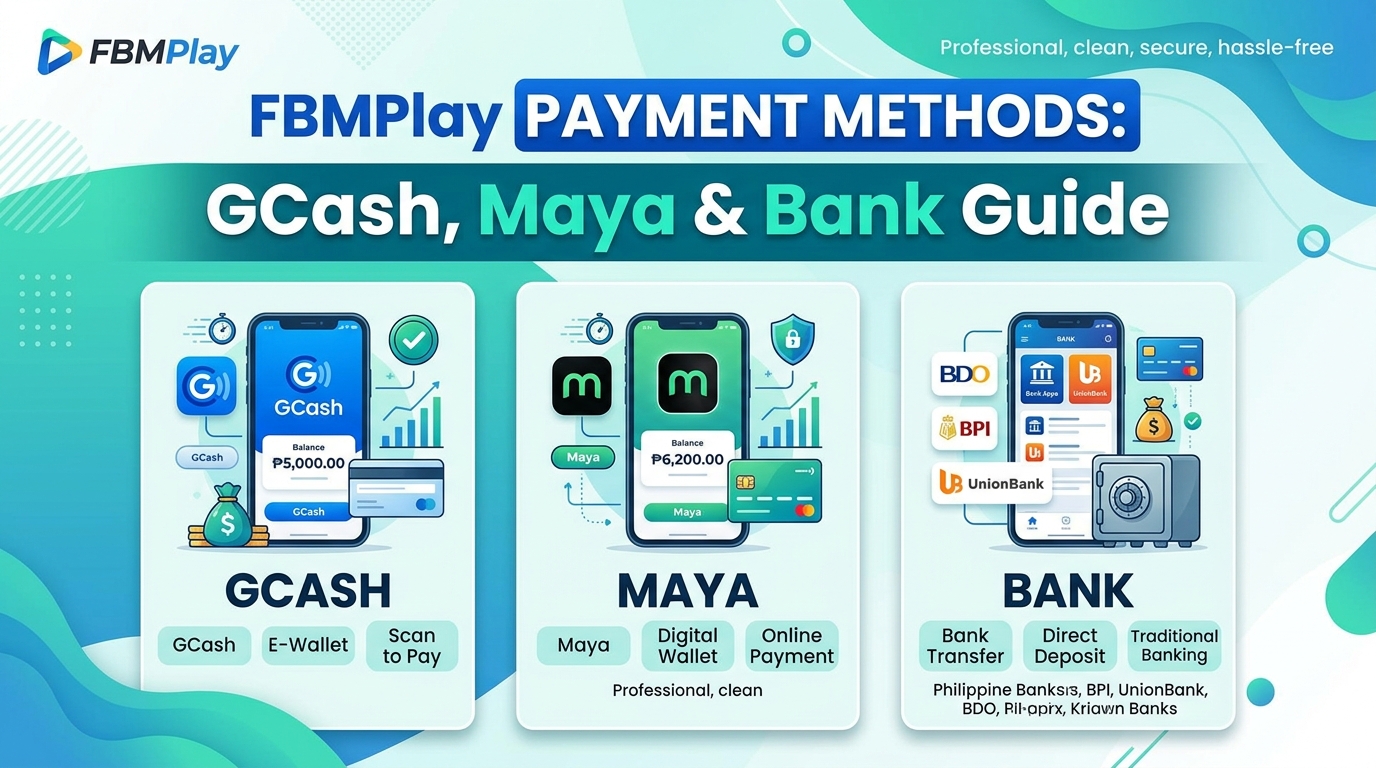
FBMPlay Payment Methods: GCash, Maya & Bank Transfer Guide
FBMPlay supports multiple PHP payment methods for Filipino players, including GCash, Maya, and bank transfers. Minimum withdrawal is ₱100, processing in 1-2 minutes for e-wallets. 21+ only.
FBMPlay Payment Methods Overview
Understanding your financial options is crucial for a secure gaming experience. FBMPlay supports three main categories of payment methods, all PHP-denominated and specifically localized for the Philippine market. These channels ensure that players can manage their funds efficiently and securely.
E-wallets
E-wallets are the recommended channel for speed and convenience on the platform.
- GCash: The Philippines' most widely-used mobile wallet, fully integrated for seamless transactions.
- Maya: Formerly known as PayMaya, this major Philippine digital wallet offers high limits for verified users.
Bank Transfer
Direct transfers to and from select Philippine banks are available. While bank transfers are typically slower than e-wallets, they remain highly useful for processing larger transaction amounts that might exceed standard e-wallet limitations.
Other Methods
Players should always check the current FBMPlay platform cashier section for any additional or newly integrated payment methods. All supported payment methods operate under strict PAGCOR regulation and comply with Philippine banking laws. For more details on the platform's regulatory standing, review our guide on FBM PAGCOR compliance and confirm is FBMPlay legit.
Deposit Methods on FBMPlay
Funding your account is a straightforward process designed to get you into the action without unnecessary delays. Below is the operational breakdown for each deposit channel.
GCash Deposit
How it works:
- Log in to your account at fbmplay.com.
- Navigate to the Wallet section and select Deposit.
- Select GCash as your payment method.
- Enter the specific amount you wish to deposit.
- You will be securely redirected to the GCash gateway for authentication.
- Confirm the transaction within your GCash mobile app.
- Funds are typically credited to your FBMPlay account quickly after confirmation.
Notes: You must have a verified GCash account. Standard GCash transaction limits apply based on your current GCash KYC level. FBMPlay does not charge deposit fees on GCash transactions.
Maya Deposit
How it works:
- Log in to fbmplay.com.
- Navigate to Wallet → Deposit.
- Select Maya as your active payment method.
- Enter your desired deposit amount.
- Confirm the payment via the Maya app prompt.
- Funds are credited to your FBMPlay account balance.
Notes: A verified Maya account is required. Standard Maya transaction limits apply to standard players. VIP players benefit from an upgraded Maya Wallet limit of up to ₱5,000,000.
Bank Transfer Deposit
How it works:
- Log in to fbmplay.com.
- Navigate to Wallet → Deposit.
- Select Bank Transfer.
- Choose your specific bank from the platform's supported list.
- Follow the provided transfer instructions carefully.
- Funds are credited after bank verification is complete.
Notes: This method is ideal for larger amounts. Processing time varies by your specific bank, and some banking institutions may charge transfer fees on their end. For specific minimums across all methods, consult the FBMPlay casino minimum deposit guide.
Withdrawal Methods on FBMPlay
Cashing out your winnings requires secure and verified channels. The platform provides clear pathways for moving funds back to your personal accounts. For a complete walkthrough, see how to withdraw from FBMPlay.
GCash Withdrawal
Key facts:
- Minimum withdrawal: ₱100
- No maximum transaction limit imposed by FBMPlay
- Typical processing time: 1-2 minutes
- Funds appear directly in your GCash wallet
How it works:
- Log in to fbmplay.com, navigate to Wallet, and select Withdrawal.
- Choose GCash.
- Enter your withdrawal amount (must be at least ₱100).
- Verify your registered GCash mobile number.
- Confirm the withdrawal request.
- Funds typically arrive in your GCash app within 1-2 minutes.
Maya Withdrawal
Key facts:
- Minimum withdrawal: ₱100
- Typical processing time: 1-2 minutes
- Standard wallet limits apply; VIP tier upgraded to ₱5,000,000
How it works: The process mirrors the GCash withdrawal. Simply select Maya in the withdrawal menu, enter your amount, verify your details, and confirm.
Bank Transfer Withdrawal
Key facts:
- Highly useful for larger withdrawal amounts.
- Processing time: Longer than e-wallets, typically ranging from a few hours to 1-2 business days depending entirely on the receiving bank's clearing schedule.
For additional cash-out strategies, read how to cash out winnings.
FBMPlay Payment Limits Summary
Review the table below for a comprehensive look at the operational limits and typical processing times for FBMPlay payment methods. For more details on processing speeds, visit our FBMPlay withdrawal time for GCash and Maya guide.
| Method | Min Withdrawal | Max Withdrawal | Typical Time |
|---|---|---|---|
| GCash | ₱100 | No max limit | 1-2 min |
| Maya (Standard) | ₱100 | No max limit | 1-2 min |
| Maya (VIP) | ₱100 | ₱5,000,000 wallet limit | 1-2 min |
| Bank Transfer | Bank-dependent | Bank-dependent | Hours to 2 days |
KYC Required for Withdrawals
Before you can initiate any withdrawal of funds, FBMPlay strictly requires KYC (Know Your Customer) identity verification. This is a non-negotiable security measure.
To verify your account, you must:
- Submit a valid Philippine government-issued ID (such as a Driver's License, Passport, UMID, or PhilSys ID).
- Take a clear selfie for facial verification matching the ID.
- Submit the documents for review, which typically takes from a few hours up to 1 day.
Why KYC is required:
- It is a mandatory PAGCOR regulatory requirement.
- It ensures AMLA (Anti-Money Laundering Act) compliance.
- It guarantees account security and establishes ownership.
- It actively prevents fraud and unauthorized access to your funds.
Without completed KYC, all withdrawal requests will be blocked by the system. For a complete walkthrough of this process, refer to the FBMPlay account verification KYC guide.
How FBMPlay's Fast Withdrawal Process Works
FBMPlay's typical withdrawal time of 1-2 minutes for e-wallets is highly efficient. This operational speed is achieved through several backend systems:
- Automated processing: The majority of withdrawal requests are handled by automated verification systems rather than manual review queues.
- Pre-verified accounts: Once your KYC is thoroughly complete and approved, standard withdrawals process without triggering manual security reviews.
- Direct e-wallet integration: FBMPlay utilizes direct API connections to both GCash and Maya, eliminating third-party routing delays.
- Pre-funded settlement: The platform maintains robust settlement balances to ensure fast disbursement of player funds.
This efficiency is not a feature restricted to VIP players; it is the standard operational procedure for all fully KYC-verified FBMPlay accounts.
Payment Method Limits and Restrictions
While FBMPlay facilitates smooth transactions, certain limits and restrictions govern the flow of funds.
Standard Withdrawal Limits
The absolute minimum withdrawal amount is ₱100. FBMPlay does not explicitly set a maximum limit per transaction; however, practical maximum limits apply based on your personal e-wallet's receiving limits (e.g., standard GCash monthly inflow limits).
VIP Tier Upgrades
Players who reach the VIP tier (requiring ₱300,000+ in valid bets) receive enhanced payment privileges. This includes an upgraded Maya Wallet limit of up to ₱5,000,000 and priority processing for large withdrawal requests.
Regulatory Considerations
Daily or monthly withdrawal limits may be enforced in accordance with PAGCOR rules. Furthermore, AMLA reporting thresholds apply to exceptionally large transactions. These protocols are standard across all legally operating, PAGCOR-regulated gaming platforms in the Philippines.
Anti-Phishing: Legitimate Payment Only at fbmplay.com
Financial security requires vigilance. You must ONLY make deposits and withdrawals through the official FBMPlay platform at fbmplay.com.
Watch out for these common scams:
- ❌ "FBMPlay agents" requesting payment via their personal GCash or Maya accounts. Legitimate FBMPlay does NOT use agents.
- ❌ Third-party "FBMPlay payment processor" websites. FBMPlay integrates all payment gateways directly into its official cashier.
- ❌ SMS or email messages asking for deposit confirmations or manual fund transfers. FBMPlay does not request payments via these communication channels.
- ❌ Social media offers claiming to "speed up your withdrawal" for a nominal fee. There is no such service; standard processing is already automated.
- ❌ Scam websites mimicking the official domain (e.g., fbmplay.cpm, fbm-ph.com, fbmplayclub.com).
If anyone outside the official fbmplay.com platform asks for your e-wallet credentials, OTP, or direct payment, it is NOT FBMPlay. Protect your data.
Common Payment Issues
Even with automated systems, occasional friction can occur. Here is how to troubleshoot the most frequent payment issues.
Issue 1: "Withdrawal Pending"
Common causes: Your KYC verification is not complete, your account verification is still pending, or a specific large withdrawal is under routine security review.
Solution: Check your KYC status. If complete, contact FBMPlay LiveChat at fbmplay.com, or call (02) 8248-9568 for a status update. See our FBMPlay customer service guide for more contact options.
Issue 2: "GCash Transaction Failed"
Common causes: Insufficient GCash balance for a deposit attempt, your GCash account has reached its transaction limit, or there are localized network issues with the GCash app.
Solution: Verify your GCash balance and account status directly in the GCash app. Retry the transaction after a few minutes. Contact GCash support if the issue persists.
Issue 3: "Funds Not Credited"
Common causes: Standard processing delays or pending bank verification.
Solution: Wait 5-10 minutes for e-wallet transactions to clear. Bank transfers may take several hours. Always check your FBMPlay transaction history first, then contact LiveChat if the funds remain missing.
Issue 4: "Bank Account Not Supported"
Common causes: Your specific bank is not currently included in FBMPlay's active integration list.
Solution: Utilize GCash or Maya instead, as they are universally supported, or consult LiveChat for alternative routing methods.
Why FBMPlay Uses These Specific Payment Methods
The selection of FBMPlay payment methods is highly deliberate, reflecting current Philippine market realities and regulatory demands.
- Market Dominance: GCash and Maya dominate Philippine mobile payments, utilized by over 80% of smartphone users nationwide.
- PHP-Native: All transactions are processed in Philippine Pesos, entirely eliminating currency conversion fees for the player.
- Mobile-First Infrastructure: With 96% of FBMPlay users accessing the platform via mobile devices, e-wallets provide the most seamless user experience.
- PAGCOR-Compliant: All integrated methods meet the strict financial regulatory standards mandated by PAGCOR.
- AMLA-Compliant: The use of established e-wallets and banks ensures the platform utilizes standard banking infrastructure required for regulated gaming.
Eligibility
To legally utilize FBMPlay payment methods, you must meet strict eligibility criteria. You must:
- Be 21 years old or above, as mandated by PAGCOR.
- Be physically located within the Philippines.
- NOT be listed on PAGCOR's National Database of Restricted Persons (NDRP).
- NOT be a Gaming Employment License (GEL) holder.
- NOT be a Philippine government employee or official.
- Have successfully completed your KYC verification (strictly required for all withdrawals).
- Possess a verified GCash, Maya, or Philippine bank account registered in your own legal name.
For details on creating your account legally, see how to register on FBMPlay.
Responsible Play Reminder
Seamless payment access makes gaming convenient, but that same convenience requires discipline. We urge all players to practice responsible gaming.
- Set strict deposit limits utilizing FBMPlay's built-in responsible gaming tools.
- Never deposit funds that you cannot afford to lose.
- Utilize the platform's cooling-off period features between gaming sessions.
- If gambling stops being a form of entertainment, immediately use the self-exclusion tools provided.
- Remember that withdrawing your funds is your ultimate control mechanism. Do not let "double or nothing" thinking override responsible financial decision-making.
Frequently Asked Questions
What payment methods does FBMPlay support?
FBMPlay supports GCash, Maya, and Philippine bank transfer for both deposits and withdrawals. All methods are PAGCOR-regulated and PHP-native, ensuring secure and localized transactions.
What's the minimum withdrawal on FBMPlay?
₱100 is the minimum withdrawal amount on FBMPlay across all supported e-wallet methods.
How fast are FBMPlay withdrawals?
GCash and Maya withdrawals typically process within 1-2 minutes once your KYC verification is complete. Bank transfers may take anywhere from a few hours to 1-2 days, depending entirely on the receiving bank's processing schedule.
Why is KYC required before withdrawing?
KYC (Know Your Customer) verification is explicitly required by PAGCOR regulation and AMLA (Anti-Money Laundering Act) compliance. Furthermore, it prevents fraud, blocks unauthorized access, and ensures overall account security.
Are there any deposit or withdrawal fees on FBMPlay?
FBMPlay does not typically charge deposit or withdrawal fees on standard e-wallet methods like GCash. However, your specific e-wallet provider or bank may charge their own standard transaction or transfer fees.
Is there a maximum withdrawal amount on FBMPlay?
FBMPlay does not set a strict maximum limit per transaction on its end, but practical limits apply based on your e-wallet's own receiving limits. VIP players benefit from an upgraded Maya Wallet limit of ₱5,000,000.
Can I use my friend's GCash to deposit?
No. FBMPlay strictly requires all payment methods to be registered in your own legal name, matching your KYC-verified identity. Using someone else's e-wallet violates platform terms and PAGCOR regulations.
Disclaimer: FBMPlay is strictly for players aged 21 and above. Play responsibly.